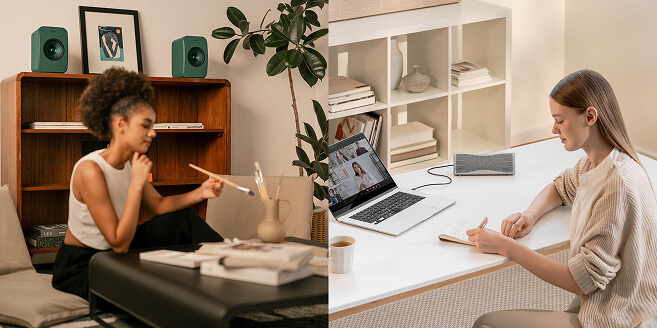
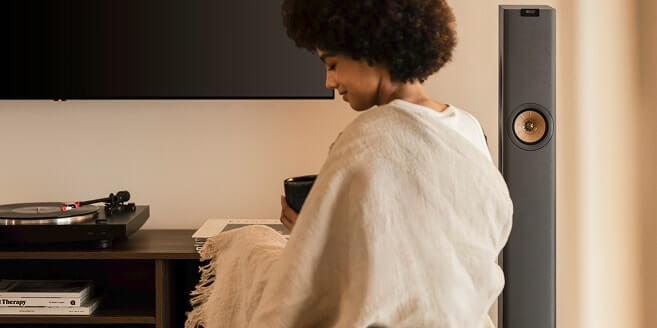
Usually, this experience is confined to the living room. However, with the KEF Muo, we have designed a way to bring that sound with you. By utilising its advanced connectivity to pair two units, you can experience a genuine stereo performance that defies the physical limits of portable audio, transforming into an immersive performance, wherever you are.

Stereo sound, achieved by using two distinct speakers (Left and Right), recreates the artist's intended soundstage. It allows for the ability to hear the guitar on the left, the drums on the right, and the vocals locked firmly in the centre. This creates a three-dimensional acoustic landscape, where the speakers seem to disappear, leaving only the performance.
The Muo disperses sound widely and evenly, ensuring a seamless integration between the left and right channels. You can read more about the acoustic engineering behind this in our blog on the best sounding portable Bluetooth speaker.
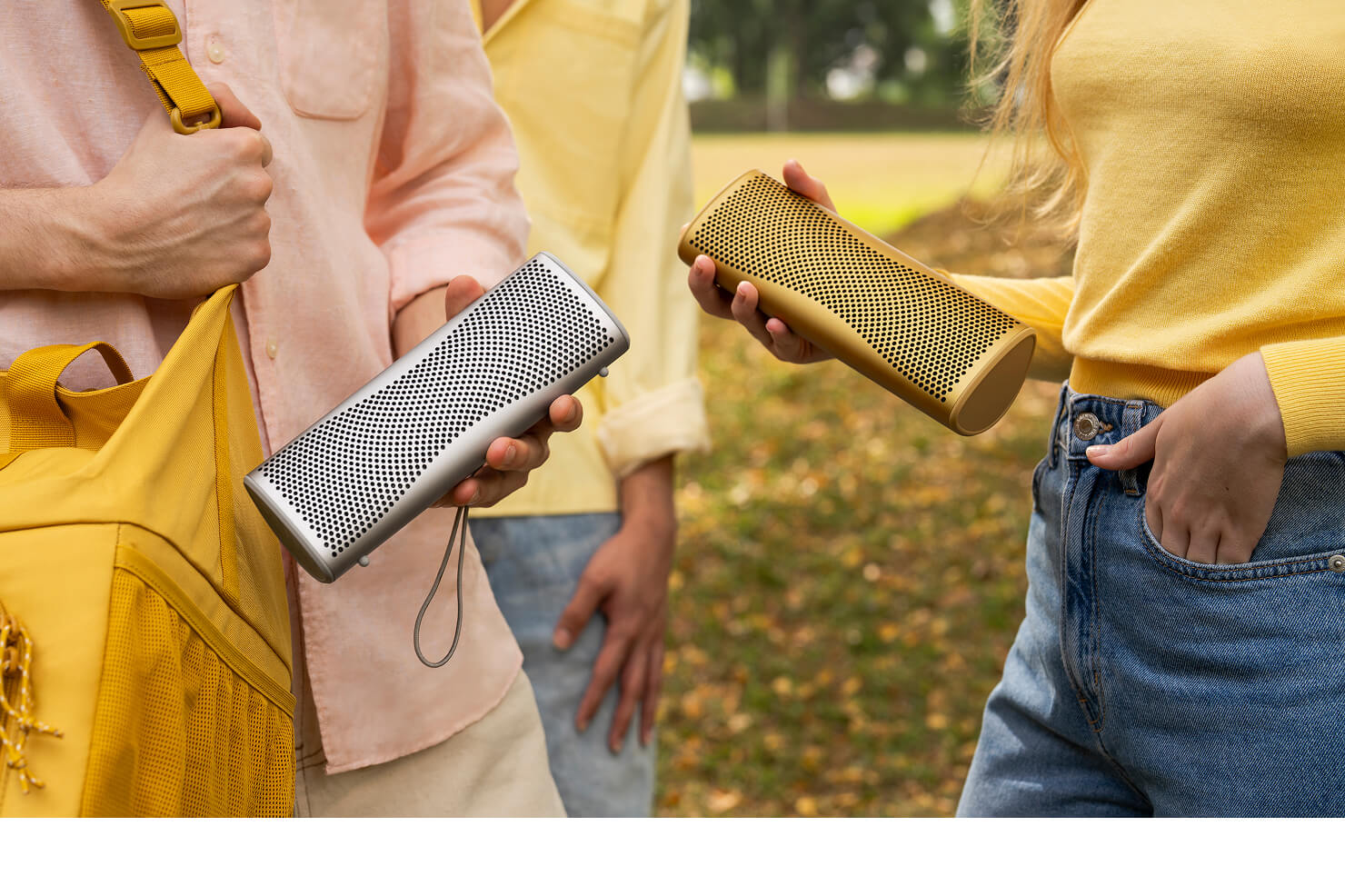
- Connect the Primary Speaker: First, connect your device to the speaker you wish to use as the Right channel. Press the Bluetooth button to pair it with your phone or tablet as standard.
- Initiate Pairing on the First Speaker: On this same speaker, press and hold the + and Bluetooth buttons simultaneously for 3 seconds. Continue holding until the LED blinks purple and yellow alternately.
- Sync the Second Speaker: Immediately repeat the action on your second speaker. Press and hold the + and Bluetooth buttons simultaneously for 3 seconds, again waiting for the LED to blink purple and yellow alternately.
- Confirmation: The speakers will search for each other. When the top LEDs on both units turn solid blue, the speakers are successfully paired.
- Channel Check: To identify your channels, check the LED colour. The Purple LED indicates the Primary speaker (Right channel), and the Yellow LED indicates the Secondary speaker (Left channel).
You are all set to immerse yourself in stereo sound with rich detail and depth.
For a visual guide on how to achieve this, watch our tutorial below:
By placing your paired Muo speakers approximately 2 to 3 metres apart, you create a Hi-Fi system that fits in your bag. Whether you are using them to boost your laptop audio or bringing high-quality music to a holiday villa, having a Bluetooth speaker you can pair together ensures you never have to leave the soundstage behind.
However, if your goal is simply to fill a larger space with sound, such as a garden party where volume is priority over separation, you can go beyond a single pair of speakers. Using Auracast™ broadcast technology, it is theoretically possible to connect an unlimited number of Muo speakers.
It is, however, important to note the following:
- When connecting more than two speakers via Auracast, they will play in unison (all speakers playing the same mono signal), rather than splitting into a stereo array.
- This feature requires an Auracast-compatible source device (currently available on select Android devices, but not iPhone).
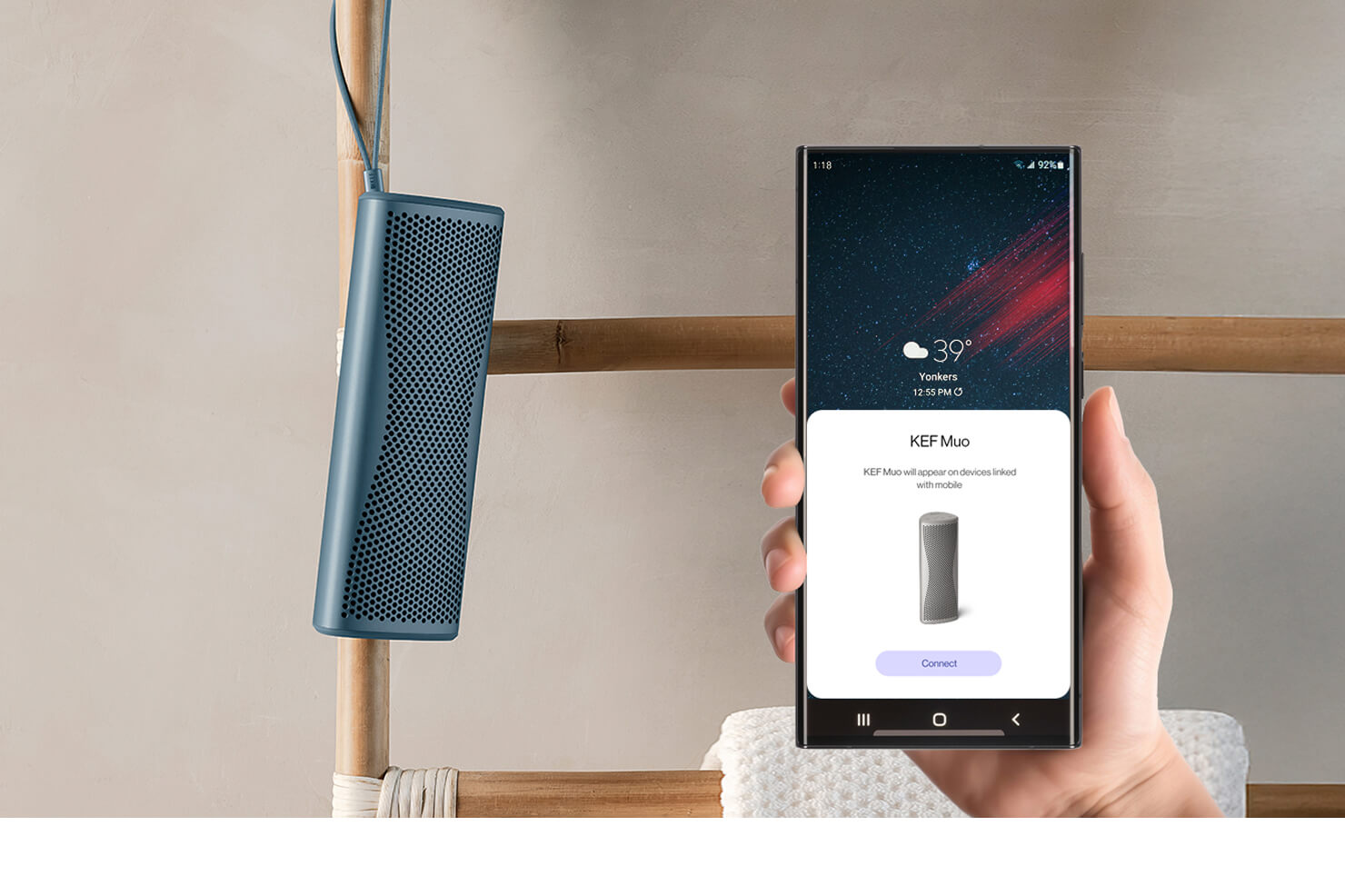
- To enable this functionality, you will need the KEF Connect app.
Find My Retailer
Find out more about our award-winning models and book a demo at your nearest KEF retailer.
Are the KEF Coda W speakers completely wireless?
The 'wireless' in Coda W refers to how you play your music; you can stream audio wirelessly from your phone, tablet, or computer via Bluetooth. However, the speakers do require two physical connections: an interspeaker cable to link the primary and secondary speakers together, and a power cable to be plugged into a wall outlet. This design ensures they have consistent power and a perfectly stable connection to deliver the best possible high-fidelity sound.
What makes the Coda W the best speaker for vinyl players?
Coda W is the perfect partner for a turntable because it's a complete, high-performance audio system in one. The key feature for vinyl lovers is the built-in phono preamp, which allows you to connect most turntables directly to the speakers without needing an extra box. Because they are active speakers, you also don't need a separate amplifier. This creates a simple, elegant setup that delivers the warm, detailed, and authentic analogue sound you love, with modern convenience.
What is Bluetooth® 5.4 with aptX™ Lossless, and how does it improve my music?
This is the next generation of wireless audio, designed to deliver the highest possible sound quality over Bluetooth. Unlike standard Bluetooth which compresses music, aptX™ Lossless can stream music at true CD-quality, meaning you hear every single detail of the original recording without any data being lost. Combined with the stability and efficiency of Bluetooth 5.4, it means you get the freedom and convenience of a wireless connection with the stunning, high-fidelity sound you'd expect from a physical cable.
Reminder: Ensure your source device is compatible with the codec to experience true CD-quality audio.
Explore the KEF HiFi Bluetooth Speaker Collection.